Auvidus
Centrally control audio, webcams and USB storage – especially useful for exams and focused work phases.
Learn moreThe free open-source core forms the foundation of Veyon. With commercial add-ons, you can add important functions for teaching, IT integration and administration.
Centrally control audio, webcams and USB storage – especially useful for exams and focused work phases.
Learn more
Add an extra communication channel for instructions, questions and assignments in class.
Learn more
Make devices, users and groups from Microsoft Entra ID directly available in Veyon.
Learn more
Control and restrict Internet access for individual workstations or entire classes.
Learn more
Automatically detect computers and RDP sessions in the network – ideal for dynamic DHCP environments.
Learn more
Record the screens of monitored workstations and document them clearly.
Learn moreAdd-on
The Auvidus add-on allows you to control audio, webcam and USB devices of the computers. Audio outputs or microphones of all computers can be muted easily with just one click. During exams you can block access to USB storage devices by disabling them directly from Veyon Master.
Add-on
The Chat add-on adds another channel to your classroom communication. In the chat, assignments can be discussed in class, while each student also gets the opportunity to work on their assignments without distractions from conversations. The chat window remains open in the background, allowing participation at any time.
Add-on
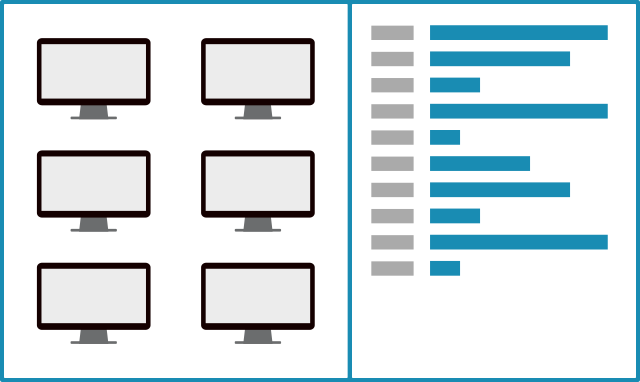
Your devices, users and groups are managed in Microsoft Entra ID (formerly Azure AD), a cloud-based identity and access management solution. Then simply use our connector to keep all objects up to date in Veyon. Thanks to easy integration, all devices and their locations are displayed automatically in Veyon Master. The Veyon Service can also use your cloud-based security groups for access control.
Add-on
There are many situations, such as exams, in which Internet access must be restricted. The Veyon Internet Access Control add-on allows you to do this with a single click. You can block access either for the entire class or for individual computers. Different operating modes let administrators configure how the Internet is blocked and which network ports or local networks remain reachable.

Add-on
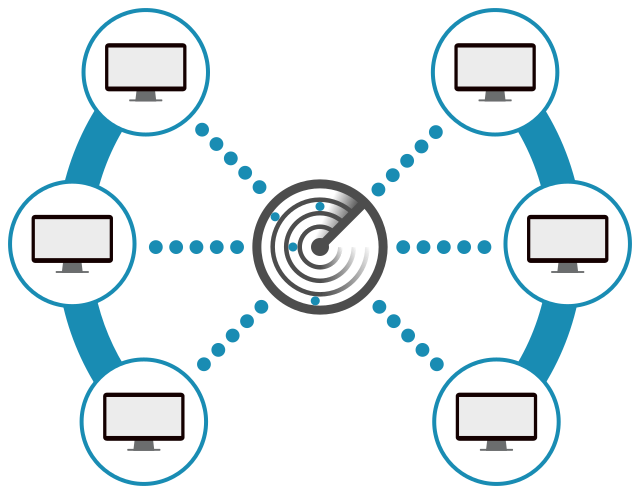
Have you ever wanted Veyon Master to simply show all computers, including all RDP sessions, in your network? Then you should try the Network Discovery add-on. It extends Veyon Master to scan configured networks for computers running one or multiple Veyon Server instances. All discovered computers and RDP sessions appear immediately in the Locations & computers panel. Once set up, computers and locations no longer need to be maintained in the built-in network object directory, and the LDAP/Active Directory integration no longer needs to be configured. Last but not least, the add-on is perfectly suited for DHCP-based networks where IP addresses change constantly.
Add-on
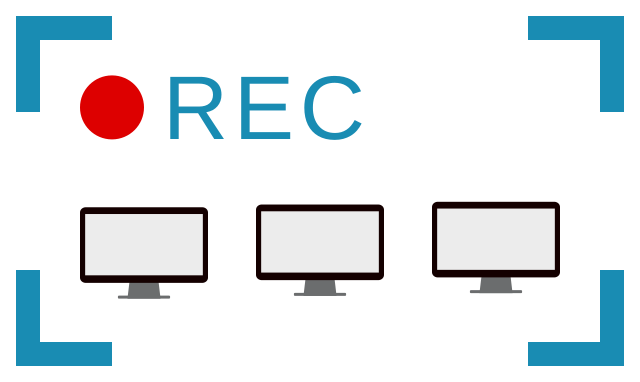
If you want to record the screens of monitored computers as video files for later evaluation – for example in exam situations – the Screen Recorder add-on is exactly what you need. It saves you from constant observation and manual screenshot creation in cases of suspected cheating.
This software uses code of FFmpeg licensed under the LGPLv2.1. Its source can be downloaded here. Instructions for building can be found here.
Pricing and quotation
Select your organization type, the desired scope and your preferred license model. We will your final price immediately, and you can then request a quote directly.